No products in the cart.




Photography Studio Booking & Profit Tracker
Price range: from 499.000 VND to 799.000 VND
7-sheet Excel template for tracking the entire booking lifecycle, calculating actual costs per session, and automatic profit analysis. Data entry after each shoot takes under 3 minutes — dashboard updates automatically.
Sold: 0 items
Category:
BEUP Track
Tags
Booking Management, Equipment Depreciation, Freelance Photographer, Photo Business Template, Photographer Excel, Photographer Spreadsheet, Photography Business, Photography Profit, Portrait Studio, Session Cost Calculator, Studio Booking Tracker, Studio Management Tool, Wedding Photography
Photo Studio Scheduling & Profit Management Tool — comprehensive cost and profit tracking system for freelance photographers, from scheduling to profit analysis.
Most photographers don—t know which type of photo shoot is actually profitable — because post-production time, equipment depreciation, and transportation costs are not factored in. This template solves that problem.
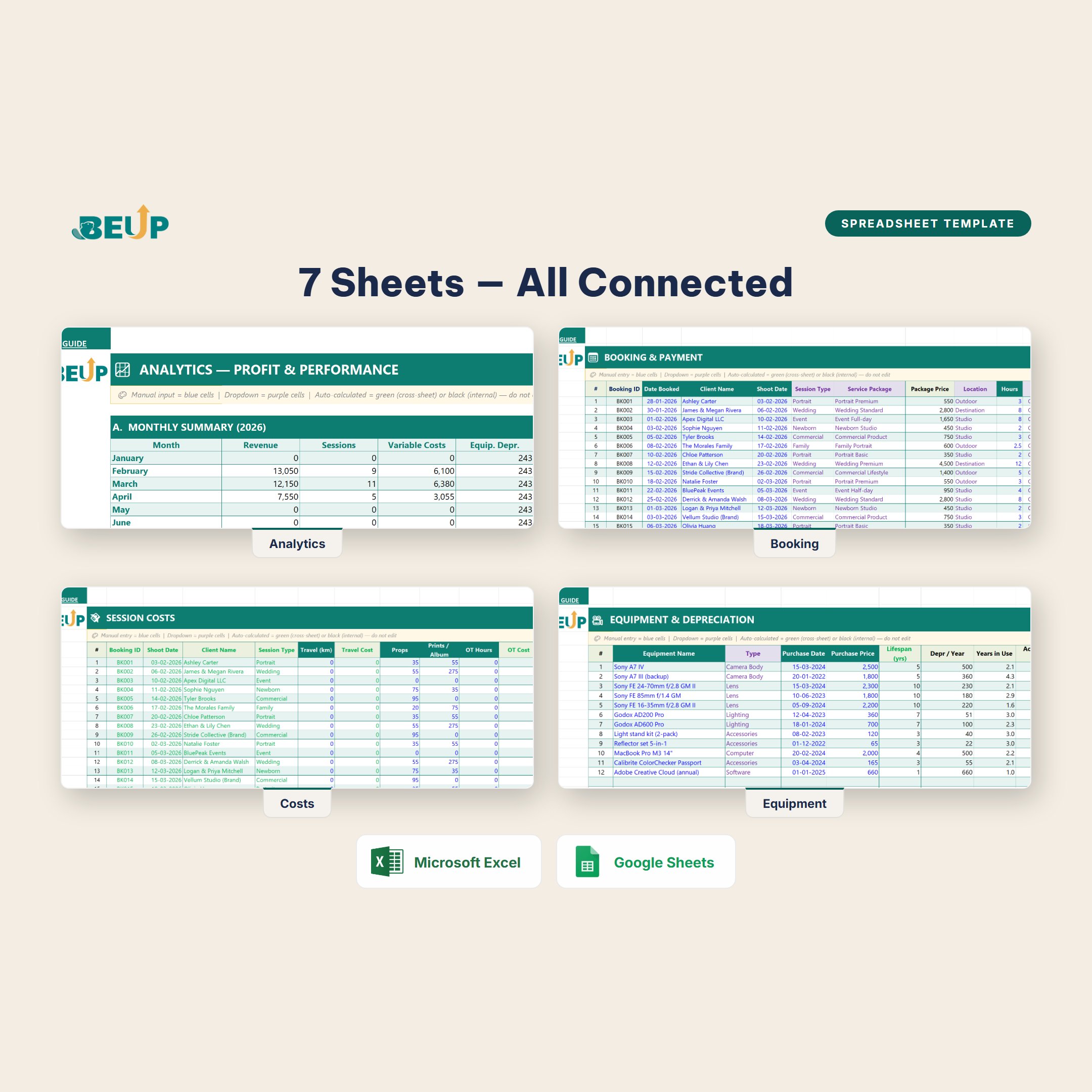
SYSTEM STRUCTURE (7 sheets)
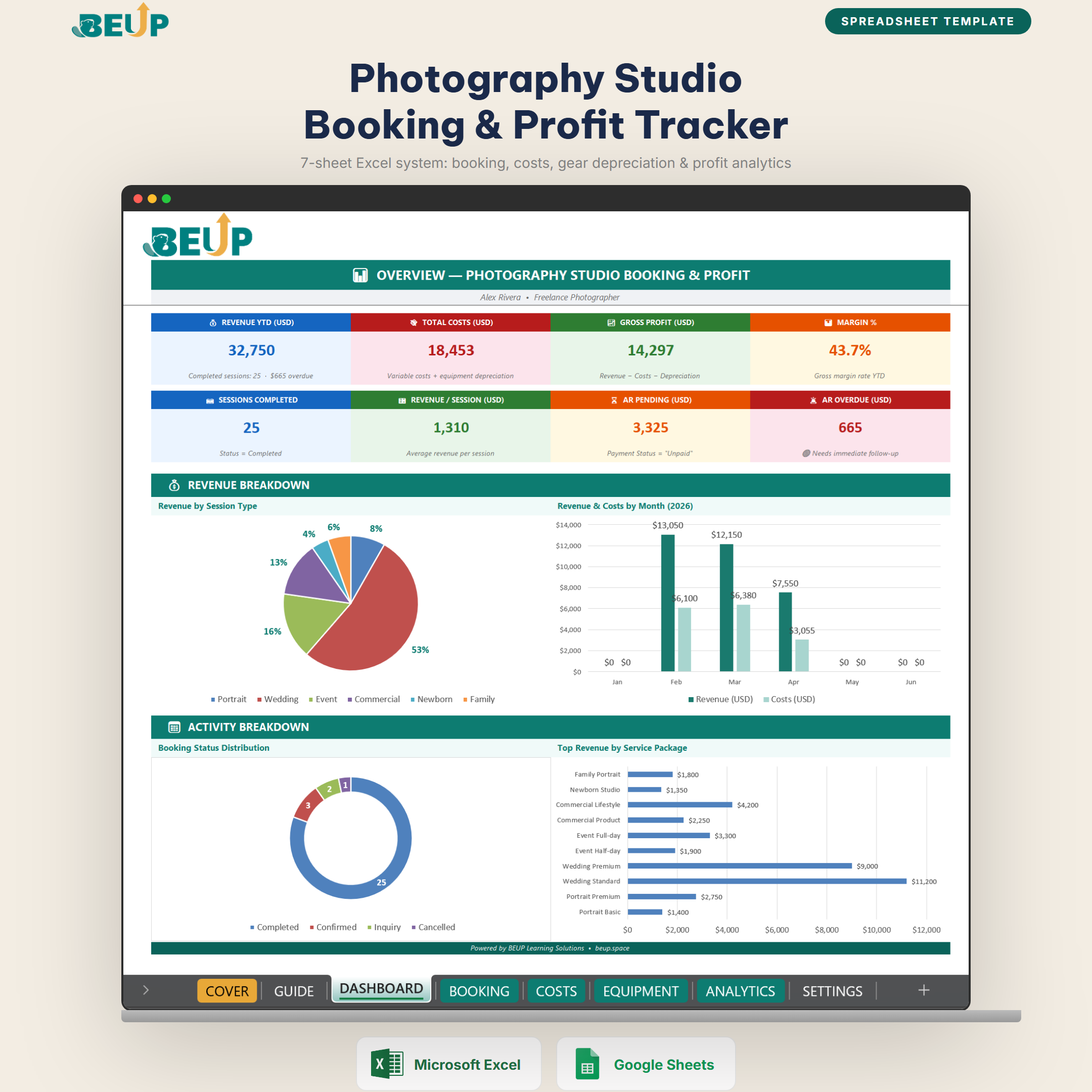
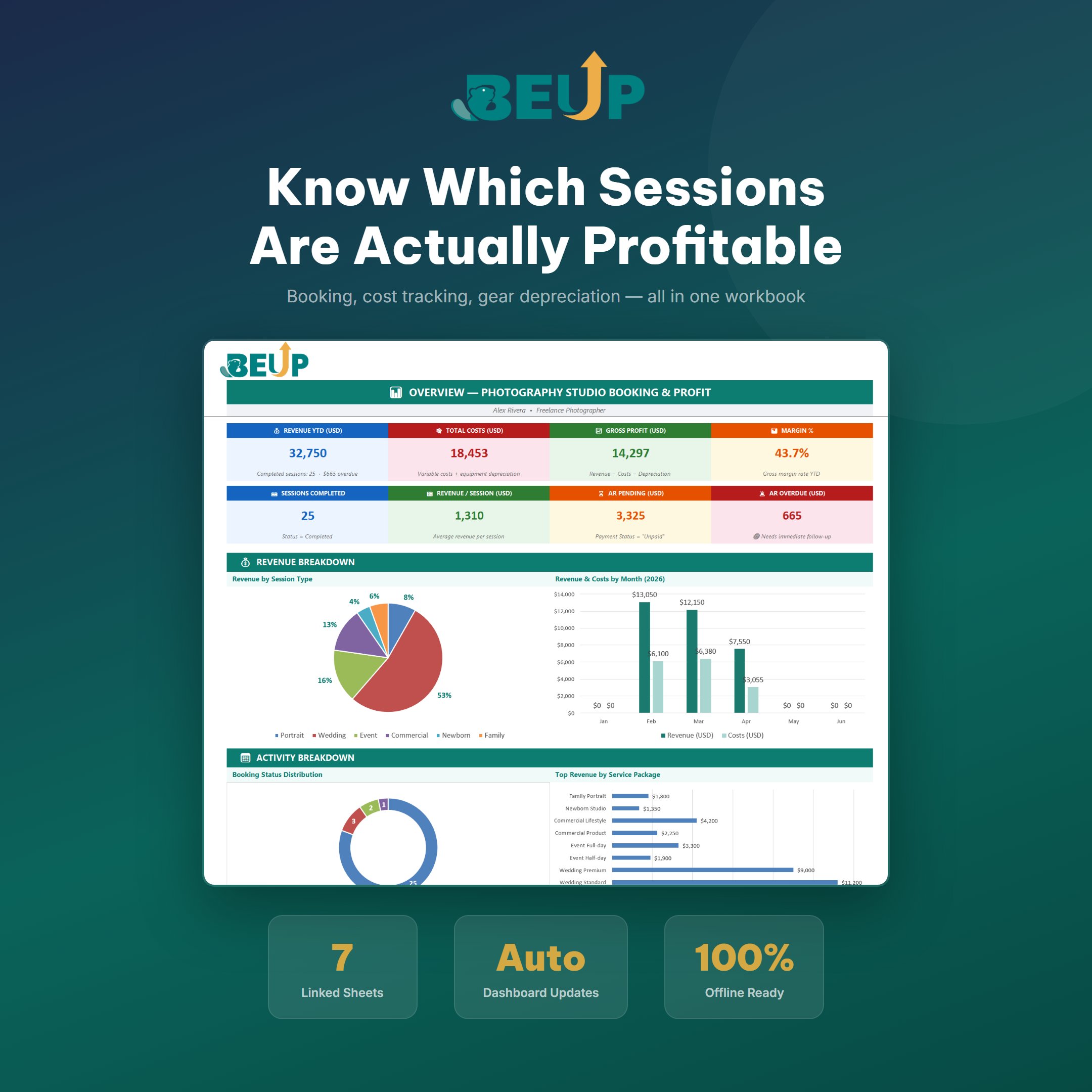
- Dashboard — Overview of 8 key performance indicators, 4 revenue & profit charts. Automatically updated when adding data.
- Scheduling — Entire lifecycle from request to final payment, 18 columns. Automatic deposit calculation by %, overdue payment warning, INDEX/MATCH auto-fills information when entering expenses.
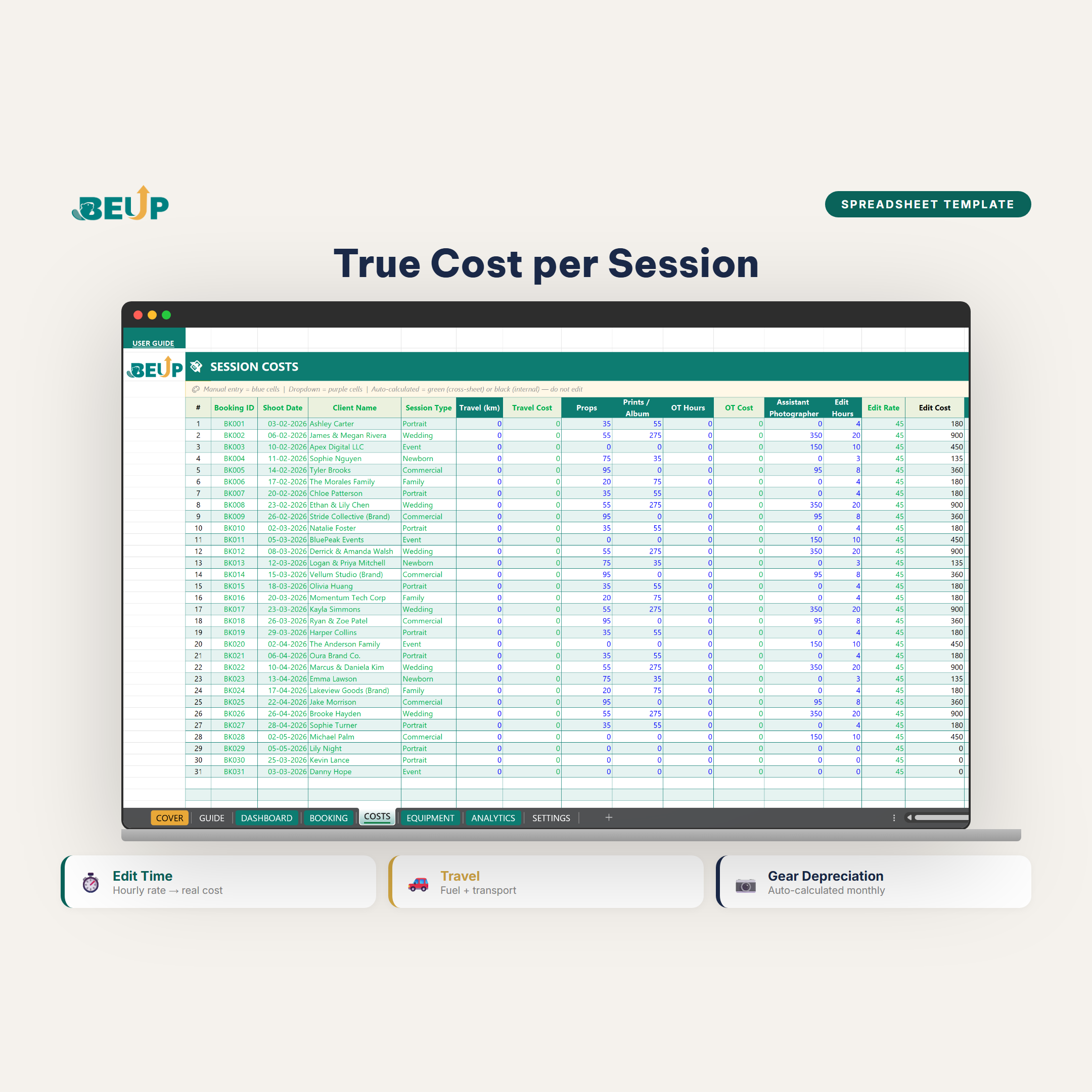
- Costs — Variable costs per photo shoot: post-production time (converted to money), transportation, props, and lab printing.
- Equipment — Enter equipment once, depreciation automatically calculated by day using TODAY() — always up-to-date, remaining value displayed by year.
- Analysis — Profit & Loss by month, by type of photo shoot (portrait / wedding / commercial / event), and by service package. Multi-dimensional, no manual summary table needed.
- Settings — Studio information, service packages, prices, and equipment lifecycle. Enter once, apply throughout the file.
- User Guide — Data entry guide by color, start order, and frequently asked questions. Available in Vietnamese and English.
Design: Uses only formulas, no VBA. Compatible with Excel 2016+, Microsoft 365, and Google Sheets (upload .xlsx).
KEY FEATURES
- INDEX/MATCH auto-fills customer information when entering expenses — no need to re-enter
- Equipment depreciation calculated daily using TODAY() — always accurate, no manual updates needed
- Conditional formatting: Paid (green) / Pending payment (yellow) / Overdue (red) — instantly visible
- Multi-dimensional Profit & Loss: by month + type of photo shoot + service package in the same Analysis sheet
- Compatible with Google Sheets: upload .xlsx, open in Sheets, formulas still work
WHO IS THIS FOR?
- Freelance Photographer — portrait, wedding, commercial, event. From 5 to 30 photo shoots/month.
- Personal Operations Studio — a single operator who needs a simple yet sufficient system to make decisions about pricing and scheduling.
- Photographer is expanding their schedule — need to know which shoot type generates the most profit before deciding to raise prices or expand.
Scale: Optimized for studios with 5–30 shoots/month. Can be expanded to 200+ schedules/year.
WHAT'S INCLUDED?
- Template file (.xlsx) — empty structure, ready to use
- Sample file (.xlsx) — includes sample photography studio data for reference
- 7 linked professional sheets
- Pre-created and optimized Google Sheets template
- Detailed usage guide (Guide sheet)
- Available in both English and Vietnamese
HOW IT WORKS
- Receive scheduling: Enter information into the Scheduling sheet — deposits will be calculated automatically, and payment due dates will be reminded.
- After the shoot: Enter costs into the Cost sheet — INDEX/MATCH will fill in customer information, and the system will automatically summarize.
- End of month: Open Analysis — Profit/Loss by shoot type, margin by package, and an auto-updated list of overdue items.
COMPARE WITH OTHER SOLUTIONS
| Criterion | BEUP Template | HoneyBook / Studio Ninja | Regular Excel |
|---|---|---|---|
| Cost | ✓ One-time | ✗ $20–40/month | ✓ Free |
| Calculate actual cost per shoot | ✓ Built in | ~ Limited | ✗ Build it yourself |
| Automatic equipment depreciation | ✓ By day, using TODAY() | ✗ Not available | ✗ Build it yourself |
| Profit/Loss by shoot type | ✓ Multi-dimensional | ~ Basic | ✗ Build it yourself |
| Offline use | ✓ Completely | ✗ Just internet | ✓ Completely |
SYSTEM REQUIREMENTS
- Minimum: Microsoft Excel 2016+ (Windows or Mac)
- Recommended: Excel 2021 or Microsoft 365
- Also compatible: Google Sheets (some advanced features may be limited — we recommend using the provided URLs in our package)
FREQUENTLY ASKED QUESTIONS
Does the template automatically calculate equipment depreciation?
Yes. Enter equipment information into the Equipment sheet once — the system uses the TODAY() function to calculate depreciation by day, always accurate without manual updates.
Can it be used for multiple shoot types at the same time?
Yes. The template supports portraits, weddings, commercials, events, and businesses in the same file. The Analysis sheet automatically categorizes and displays Profit/Loss by type and by service package.
Do I need to know a lot about Excel?
No. Simply enter data into the yellow cells — the formulas and overview table will run automatically. The file includes a Guidance sheet in both Vietnamese and English.
How does INDEX/MATCH work in this file?
When you enter a scheduling code into the Cost Sheet, the INDEX/MATCH formula automatically fills in the customer name, shoot type, and shoot date from the Scheduling Sheet — no need to re-enter, no errors.
Only logged in customers who have purchased this product may leave a review.
Related products
- Dropshipping Profit Analysis + Live Dashboard — Multi-Platform E-commerce Tool Kit0.00 out of 5499.000 VNDBuy Now This product has multiple variants. The options may be chosen on the product page
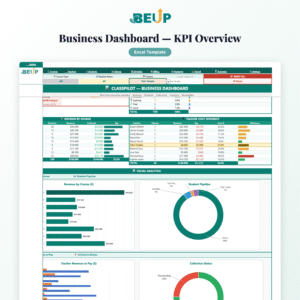
- ClassPilot – Language Center Operations Management | Excel Template0.00 out of 5Price range: from 499.000 VND to 799.000 VNDBuy Now This product has multiple variants. The options may be chosen on the product page
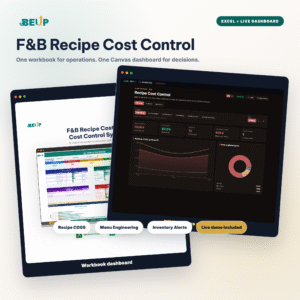
- F&B Recipe Cost Control — Excel + BEUP Canvas0.00 out of 5Price range: from 499.000 VND to 799.000 VNDBuy Now This product has multiple variants. The options may be chosen on the product page
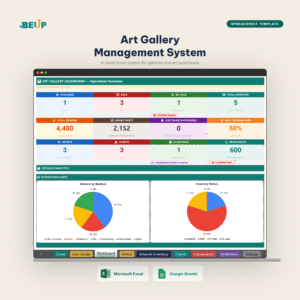
- Art Gallery Management — Artists, Artworks, Customers & Transactions0.00 out of 5Price range: from 499.000 VND to 799.000 VNDBuy Now This product has multiple variants. The options may be chosen on the product page


A Digital Asset Ecosystem and Work Operating System for Individuals & Teams
SUPPORT
Copyright © 2026 BEUP Learning Solutions
MST: 3301755602
Reviews
There are no reviews yet.