No products in the cart.



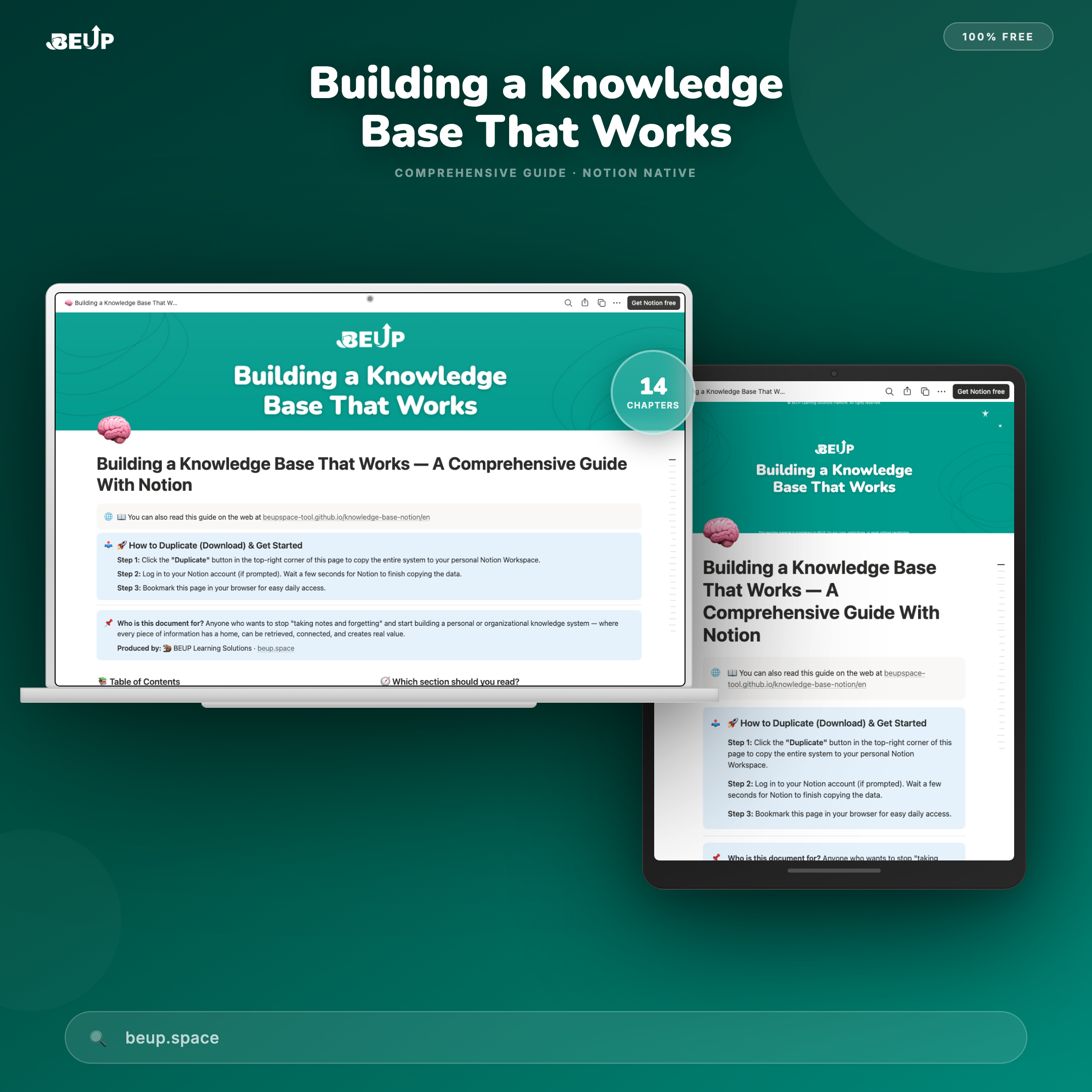
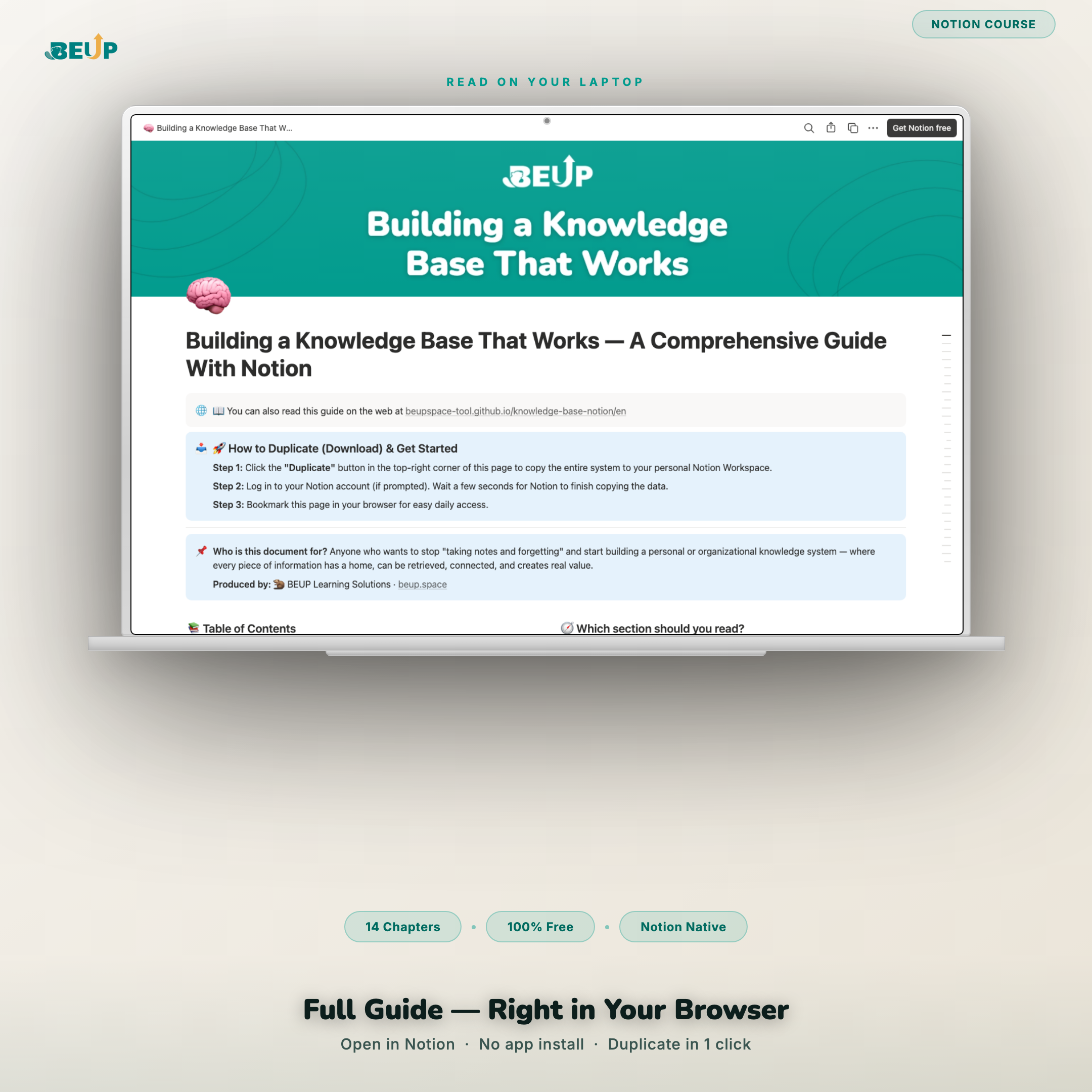
Practical Knowledge Base – Comprehensive Guide With Notion | Free Course
Language: Vietnamese | English · Platform: Notion · Format: Free Course
A 14-chapter guide to help you build a personal or organizational knowledge system on Notion — using 4 practical methods: LATCH, DIKW, PARA, Zettelkasten.
Sold: 1 item
Category:
BEUP Brain
Tags
Wiki System, free course, Knowledge Base, Notion template, knowledge management, Information Management
Knowledge Base in Practice — A Comprehensive Guide With Notion — free document helping you build a personal or organizational knowledge system that actually works, with c
The average employee wastes nearly 9 hours/week just searching for information. When an employee leaves, 70% of their knowledge disappears with them. This guide addresses both problems — from the root.
KEY FEATURES (14 chapters)
- Why you need a knowledge system — Real data, before/after comparison tables, 5 core reasons.
- Why choose Notion — Detailed comparison with Confluence, Obsidian, Google Docs.
- Four foundation methods — LATCH, DIKW, PARA, Zettelkasten — practical application on Notion.
- Step-by-step deployment — 3-layer architecture, database structure, display types, article templates, operating procedures.
- Notion AI for your knowledge system — 5 ways AI upgrades, 7 most effective commands.
- Migration guide — From Google Docs, Confluence, Slack, CSV to Notion.
- Industry-specific real-world examples — Agencies, small and medium businesses, individuals/freelancers.
- 7 common mistakes — And how to avoid each one.
- Weekly action list — Week 1 → 2–3 → 4+ with evaluation metrics.
- Team permissions — 4 roles, secure sharing principles.
- 6 database design templates — Hub & spoke, tagging systems, Zettelkasten, document lifecycle, and more design templates
- Shortcuts and advanced tips — Top 10 shortcuts, 7 tips few people know.
- Using Notion AI effectively — The THINK rule and how to avoid brain rot (digital cognitive decline).
- Three foundation principles — Prioritize databases, operate by attributes, single source of truth.
Language: Bilingual — separate Vietnamese and English versions available.
WHO IS THIS FOR?
- Beginners — Want to build a personal information management system, start with Chapters 1 + 4 + 9.
- Team leads, managers — To reduce reliance on individuals and shorten new employee training time.
- Freelancers, content creators — Build a second brain, manage projects and personal knowledge.
- Advanced users — Want to design complex knowledge systems with multiple linked databases.
Scale: Suitable for individuals, small teams, and medium enterprises.
WHAT'S INCLUDED?
- 14 complete chapters — separate Vietnamese and English versions
- Four knowledge organization methods: LATCH, DIKW, PARA, Zettelkasten
- Database structure template with 5 essential + 6 advanced attributes
- Six practical, field-tested database design templates
- Weekly action list with evaluation metrics
- Top 10 shortcuts + 7 advanced tips few people know
- 7 most effective Notion AI commands for a knowledge system
HOW IT WORKS
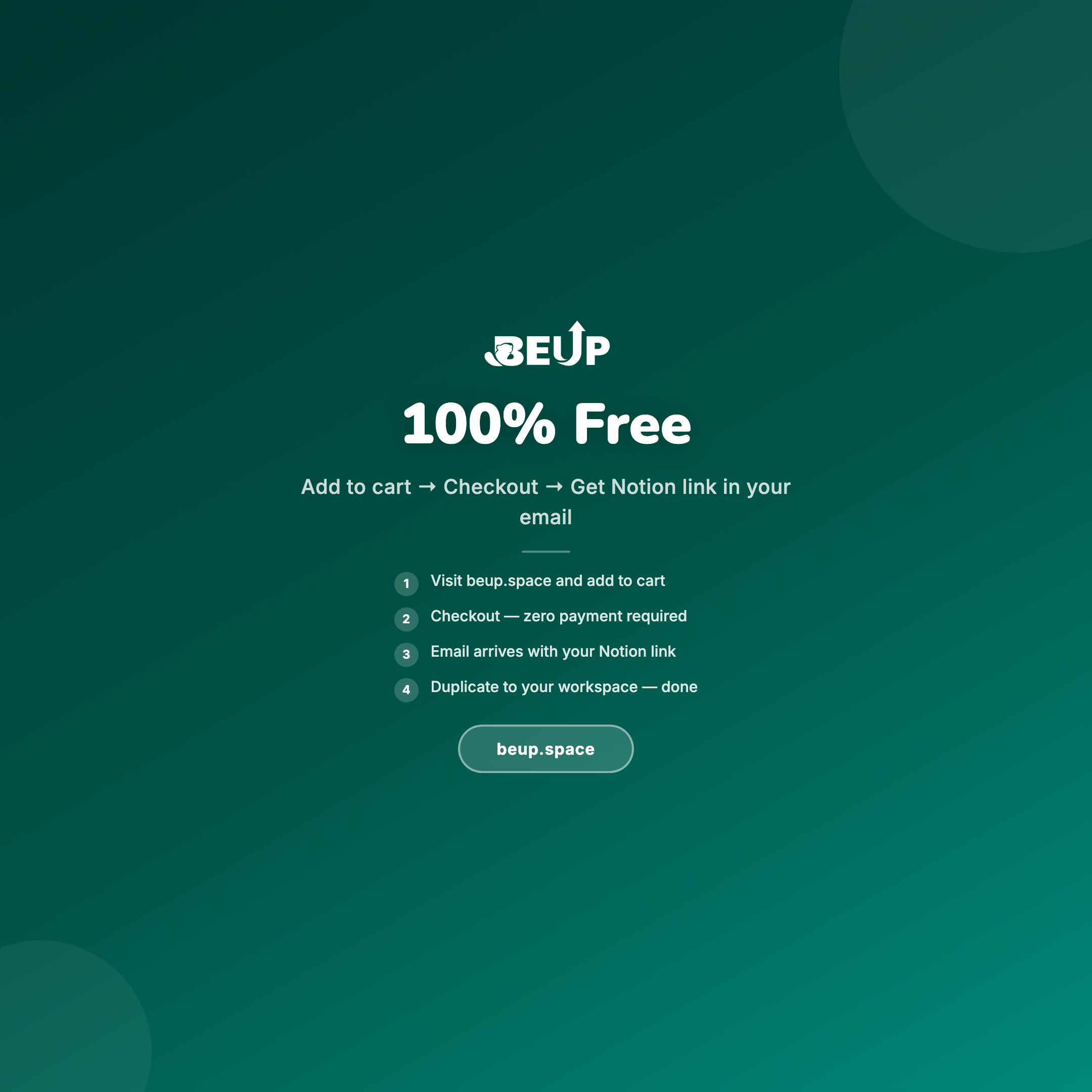
- Choose your version: Choose Vietnamese or English → add to cart → checkout for free.
- Receive the link via email: After ordering, the system automatically sends an email with access link.
- Save to your Notion: Open the link → click Duplicate as template → select your Notion workspace.
- Start in the right place: Read the "Which section should you read?" guide at the top of the page, follow the weekly action list in Chapter 9.
COMPARE WITH OTHER SOLUTIONS
| Criterion | This document | Video YouTube | Paid course |
|---|---|---|---|
| Cost | ✓ Free | ✓ Free | ✗ Paid |
| Full | ✓ 14 structured chapters | ✗ Scattered, lacking system | ✓ Structured |
| Foundation method | ✓ LATCH, DIKW, PARA, Zettelkasten | ~ Varies by channel | ~ Depends on course |
| Bilingual Vietnamese + English | ✓ Two separate versions | ✗ Usually English only | ✗ Usually one language |
| Save and use offline | ✓ Duplicate to your Notion | ✗ View online, cannot download | ~ Depends on platform |
SYSTEM REQUIREMENTS
- To read online: A web browser — no Notion account needed.
- To save and practice: A Notion account (free plan is enough).
- Not required: Install software or any paid tool.
Frequently asked questions
Is this document free?
Yes — completely free, no hidden fees or upsells.
Do I need a Notion account to read?
No account needed to read. You only need an account to save and practice.
Do the English and Vietnamese versions have the same content?
Yes — the content is the same, only the language differs. Choose the version you're more comfortable reading.
After receiving the email, what do I do?
Open the link in the email → click Duplicate as template top right corner → select your Notion workspace → the copy appears in your account.
Only logged in customers who have purchased this product may leave a review.
Related products
- Buy Now This product has multiple variants. The options may be chosen on the product page

A Digital Asset Ecosystem and Work Operating System for Individuals & Teams
SUPPORT
Copyright © 2026 BEUP Learning Solutions
MST: 3301755602
Reviews
There are no reviews yet.