No products in the cart.



8 min read
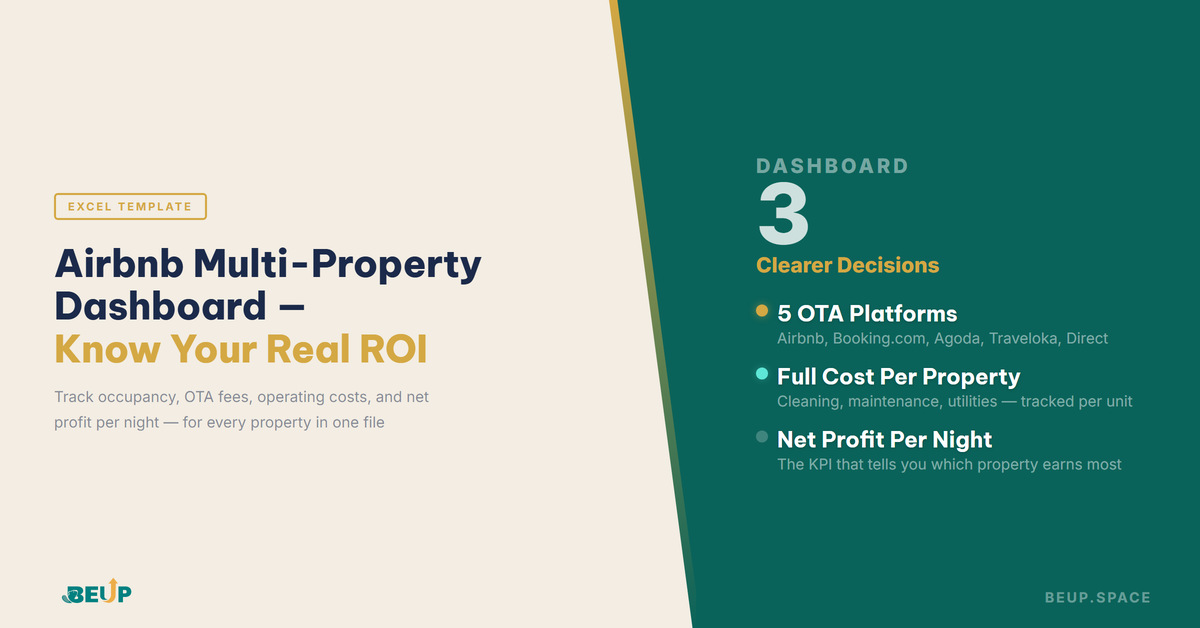
Short answer: Effectively managing multiple Airbnb properties with Excel requires 5 modules: a booking tracker by platform, calculating net revenue after OTA fees (Airbnb ~17%, Booking.com 15–18%, Agoda/Traveloka variable), monitoring operating costs for each property, dynamic pricing logs, and KPIs for net profit per night per property. A multi-property dashboard allows hosts with 2–10 properties to see their entire portfolio in one file — instead of being scattered across non-interconnected OTA apps.
Many Airbnb hosts managing 3–5 properties know their monthly gross revenue. However, when asked which properties are actually profitable after deducting OTA fees, cleaning costs, maintenance, and utilities — most don't have an immediate answer. This isn't because they're not interested, but because the information is scattered across different platforms: the Airbnb app, the Booking.com app, and their own memory. Without a holistic view, decisions are made based on intuition.
Article contents
A host with 3 units, each with 75% occupancy — sounds good. 75% of 30 nights is 22–23 booked nights, multiplied by the listing price, it's a nice number. But the listing price isn't the actual revenue. Airbnb takes a 3% host fee directly, plus a ~14% guest service fee — the total impact on the price the host actually receives is much higher than the 3% shown in the overview. Booking.com takes a 15–18% commission straight from the host, not from the listing price. After OTA fees: each check-out incurs a cleaning cost, periodic maintenance, repairs, utilities, insurance per unit.
When you subtract all costs, the remaining number is the real profit — and that number is often 40–50% lower than the gross revenue. Hosts who look at occupancy rates to evaluate efficiency are using the wrong metric. Occupancy tells you if the unit is occupied or not. It doesn't tell you how much each occupied night contributes to the host's pocket after all costs are accounted for.
Net profit per night is the actual revenue received from one night's booking after subtracting all possible costs: OTA commissions, cleaning costs per check-out, maintenance and utility allocations per night used. This is the KPI that truly evaluates the efficiency of each unit in the portfolio.
When you have one unit, the problem is simple: one revenue stream, one expense stream, easy to track with any tool. But with 2–3 units or more, the nature of the problem changes — this is portfolio management, not single-unit management. Each unit has a completely different profile: location, type, price level, operating expenses, and profit margin. Unit A has 80% occupancy but high maintenance and low nightly prices, so its actual net profit per night isn't high. Unit B has only 55% occupancy but higher nightly prices and less wear and tear — its net profit per night surpasses Unit A. If you only look at occupancy, you'll prioritize investments in Unit A, while the real ROI is in Unit B.
Most hosts with multiple units can't see this picture because information about each unit isn't aggregated in the same structure in one place. As a result, major decisions — whether to add another unit, which unit to increase prices for during peak season, which unit to invest in interior upgrades to push ADR — are made based on intuition. Not because hosts lack analytical skills, but because they lack properly organized data.
An effective short-term rental portfolio tracking system doesn't need to be complex — but it does need these five interconnected layers of data.
It's not just a list of bookings. An effective multi-unit booking tracker links each booking to a specific property, booking platform (Airbnb, Booking.com, Agoda, Traveloka, or direct), check-in/out dates, and the actual revenue received after OTA fees. Additionally, it includes automatic alerts when input prices deviate from the pre-set dynamic prices for that period. This is the source data — all subsequent modules run from this.
Airbnb, Booking.com, Agoda, Traveloka, and direct bookings have different commission structures. The dashboard needs to separate revenue by platform so hosts know not just the total revenue but which channel provides the best net ROI. Some hosts, after measuring for the first time, discover that direct bookings — although a small percentage — yield the highest net profit because they don't incur commissions. This data informs the decision to push the direct channel.
Cleaning, maintenance, repairs, utilities — each expense must be attached to a specific unit, not aggregated across the entire portfolio. Only with unit-level data can hosts discover which units have unusual operating expenses — often a sign that proactive maintenance or adjustments to the cleaning fee are needed. Untracked expenses aren't non-existent expenses — they're just hidden profits.
Recording prices by stage: holidays, peak seasons, local events, promotional fill-in rates. After 6–12 months of operations, hosts can look back and see where demand was truly high and how much they capitalized on it — and where they missed opportunities to increase prices. Dynamic pricing doesn't require complex software in the early stages; it needs a good enough log to learn from historical data.
The ultimate composite KPI. For each night booked in each unit, after subtracting all possible costs, what's left. This is the number to compare which unit is performing most efficiently in the portfolio — and the basis for deciding which direction to expand.
Summary: These five modules are not independent — booking data feeds revenue calculation, revenue calculation combines with expense tracking to yield net profit, and price logs enrich seasonal analysis. An effective dashboard is when all five layers are automatically linked: enter data once, and the overview table updates automatically.
When there's enough data from 4–6 months of organized operations, these three types of decisions become much clearer than when relying on intuition.
Deciding on upgrade investments: the unit that needs investment in interior upgrades to increase ADR isn't necessarily the one with the highest occupancy, but rather the one with pricing headroom — meaning similar units in the area have significantly higher listing prices, while maintaining stable occupancy. Without net profit per night data, hosts often invest in the wrong direction.
Deciding on channel allocation: the platform with the best ROI isn't necessarily the one with the most bookings. The 18% commission from Booking.com vs. the 3% host fee from Airbnb creates a significant difference on the same listing price. After measuring by platform, many hosts adjust their allocation strategy: some platforms are better for filling occupancy during low seasons, while others are better for maximizing revenue during peak seasons.
Deciding on seasonal pricing: which months to push for higher prices and which to prioritize filling occupancy with lower prices to ensure cash flow. The answer varies by unit and market — there's no one-size-fits-all formula. But a dynamic price log after one year provides enough data for hosts to build an accurate pricing plan for the next year.
✍ Key Takeaways
PRACTICAL TOOLS
Airbnb Multi-Property Dashboard — Excel Template
9-sheet Excel dashboard to track an entire 2–10 property portfolio: booking tracker across 5 platforms, net revenue after OTA fees, operating expenses per property, dynamic pricing log, and net profit per night per property. Enter data after each booking — everything updates automatically. Compatible with Excel and Google Sheets.
Excel is sufficient for hosts with 2–10 properties in the initial data-building stage. Specialized property management software (like Hostaway, Guesty) is more suitable when you have over 10 properties or need direct integration with channel managers and OTAs. For most small and medium-sized hosts in Vietnam, the problem isn't the lack of software — it's the lack of structured data. Excel solves this problem at almost no cost.
Airbnb separates host fees (3%) and guest service fees (around 14%) — hosts usually only see the host fee. To calculate the actual impact, you need to use the listed price and calculate backwards: if the guest pays X, the host receives X × (1 − host fee %). Some overviews allow you to set the OTA fee rate by platform once — each booking will automatically calculate the net revenue without manual calculation. This is the most time-saving and error-reducing way.
Yes — occupancy rates per property and per total portfolio are calculated from the number of booked nights over the total number of nights available in the period. A good dashboard will display both occupancy and net profit per night simultaneously, so hosts can see which property has high occupancy but low actual profit — and vice versa. This is a more complete picture than just tracking booking calendars.
Having 2 properties or more is enough to need a portfolio view. When you have 2 properties with different platform structures, operating costs, and nightly prices — tracking each property individually doesn't allow for comparison. A multi-property dashboard helps hosts see how their 2 properties are performing compared to each other — and that's the data you need before deciding to add a third property.
4–6 months of complete data (bookings, expenses, seasonal prices) is enough to see a clear pattern of high demand, which property has the best profit margin, and which platform provides the best ROI. Less than 3 months of data is often affected by seasonal factors and not enough for meaningful analysis. The key is to enter data regularly after each booking — no need for complex retrospective data.
Reference: Airbnb Host Resource Center — Host Fee & Guest Service Fee Structure (2024) · Booking.com Partner Help — Commission Rates & Invoicing
Get insights on management, operations & digital assets delivered to your inbox.

Copyright © 2026 BEUP Learning Solutions
MST: 3301755602
Book a free consultation to explore how BEUP can transform your workflow.
Book a Consultation →Digital Asset Ecosystem & Operating System for individuals & teams.