No products in the cart.



8 min read
Anyone in the fabric business knows: inventory is money sitting idle in the warehouse. But there is a type of inventory more dangerous stock sitting too long without anyone knowing. Fabric rolls imported at the start of last season, sitting in a corner shelf, hidden by new stock. By the time it is discovered, the color has
This is a common problem in most small fabric warehouses — yet few track it systematically. This article shares what many small fabric warehouses face when they don't tracking fabric inventory with Excel, and how to fix it with just a structured file.
Reality of small-scale fabric businesses
In this article
Inventory age (inventory aging) is the number of days from when goods entered the warehouse to the present. Unlike stock quantity — which tells you how much — inventory age tells you how long stock has been how long it has been sitting.
Most small fabric warehouse owners only track quantity: "5 rolls of cotton left", "out of ka
For fabric, time is a silent enemy:
| Storage time | Fabric condition | Remaining value |
|---|---|---|
| Under 30 days | Like new, sells at original price | 100% |
| 30 – 90 days | Still good, prioritize selling | 90–100% |
| 90 – 180 days | May fade, may crease | 60–80% |
| Over 180 days | Visibly deteriorated, hard to sell | 30–50% |
“A fabric warehouse doesn't lose money because of slow sales — it loses money because no one knows which stock needs to be sold first.”
The answer isn't carelessness. It's because the way most small fabric warehouses operate lacks an automatic alert mechanism.
Every time new stock arrives, fabric rolls are placed on the outside of the shelf, on top of the stack. Old stock gets pushed to the inside, to the bottom. Everyone grabs from the outside for convenience — and old stock just sits there. This is the phenomenon of natural LIFO (Last In, First Out) — the complete opposite of the FIFO (First In, First Out) principle that every standard warehouse system follows.
Most small warehouses don't label import dates on each roll. The notebook says “imported 20 rolls of kate fabric on Jan 15” — but 3 months later, looking at the shelf, no one can tell which roll was imported on Jan 15 and which on Mar 20. Everything blends into one line: “kate fabric — 12 rolls remaining”.
End-of-month inventory: count rolls, reconcile with the ledger. If quantities match, done. No one checks when was this roll imported. Result: the report states “50 rolls in stock, valued at 30 million VND” — but perhaps 10 of those rolls have been in stock for over 6 months and are only truly worth 3 million VND instead of 6 million VND.
A familiar scenario
A customer comes asking for 5m of beige cold fabric. You check the book: "8m left". Go to the warehouse — search and search but can not
Many warehouse owners think losing a few hundred thousand VND on one slow-moving fabric roll is “no big deal”. But when you add it up month by month, year by year, the total is anything but small.
Direct losses
Indirect losses
“A small fabric warehouse doesn't need to be big to lose money. It just needs to not know which stock is dying.”
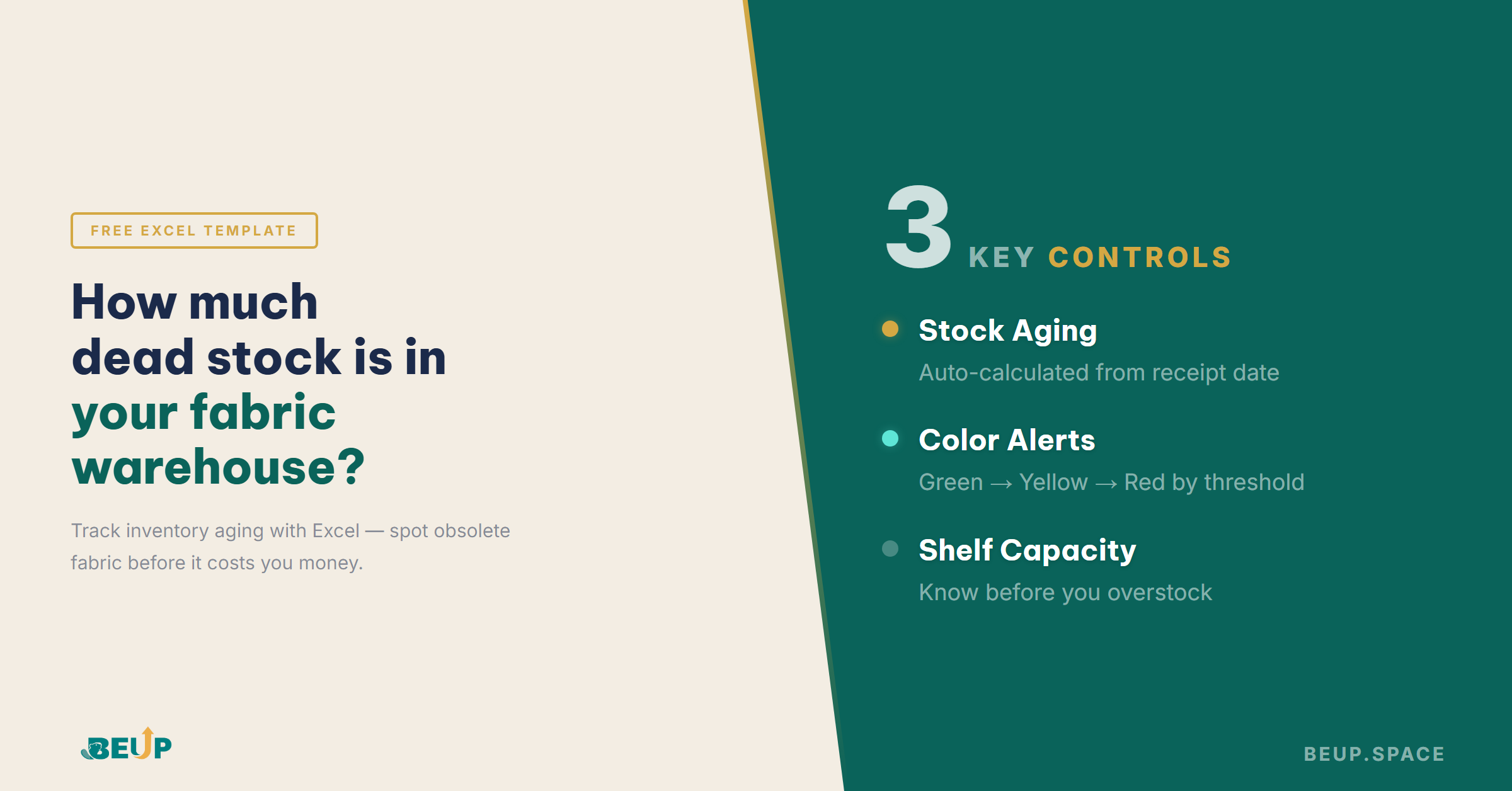
No need for inventory management software costing millions of VND per month. A properly structured Excel file is enough to solve stock aging issues for inventory with fewer than 50 fabric SKUs. Prerequisite: the file must include formulas that automatically calculate inventory age from import date to present, and format colors by threshold so you can tell at a glance which rolls need priority.
A minimum tracking system needs 3 components:
Each row records: date, fabric SKU, import/export quantity, supplier, shelf location. This is the “source of truth” — all other numbers are calculated from this table. No need to be complex, just needs to be consistent: record immediately when it happens, don't wait until the end of the week to update.
Automatically calculate days in stock for each fabric code. Use conditional formatting to change colors: green (under 30 days),
Each shelf has a limit. When total quantity on a shelf exceeds 80% capacity, the file automatically alerts you. This helps you know before new stock arrives that the warehouse is already overloaded — avoiding the situation of “goods arrived but nowhere to put them”.
| Criteria | Notebook / scattered Excel files | Structured Excel (Fabric Inventory Lite) |
|---|---|---|
| Know how much is in stock | Yes (if inventory is checked regularly) | Yes — automatic |
| Know how long items have been stored | No | Yes — calculated from import date |
| Old stock alert | No | Yes — automatic color change |
| Know which shelf is full | Must check in person | Yes — capacity alerts |
| Inventory Check Time | 1–2 days/month | 30 min/month (reconciliation) |
No need to overhaul your entire workflow. Just add one layer of structure to your current process:
Step 1: Download the file and enter your existing fabric SKU list. List all fabric codes in stock, specifying shelf location and entry date (estimate if not precisely remembered). This is the baseline — the starting point for everything to become progressively more accurate.
Step 2: Spend one session doing a physical inventory count. Walk through each shelf, compare actual quantities with entered data. Correct any discrepancies. From this step forward, every import/export is recorded in the file — data updates automatically.
Step 3: Check the dashboard for 5 minutes each week. Check if any fabric SKUs have moved to the yellow zone (30–90 days) — prioritize selling those first. Check if any SKUs are in the red zone (over 180 days) — plan for clearance. Just 5 minutes per week, but it can save millions of VND each quarter.
When should I upgrade? Fabric Inventory Lite is suitable for warehouses with under 50 fabric SKUs and 1–2 managers. When your warehouse grows to 50–100 SKUs, needs detailed monthly import/export reports, or batch management — that's when you upgrade to Fabric Inventory Comprehensive (499,000 VND). All existing data is preserved, only features are added.
Yes — because with 15–20 SKUs, you can still have 3–5 items sitting too long without knowing. With a small warehouse, the file is even simpler and quicker to set up — just 1–2 hours.
A notebook can record quantities, but it cannot automatically calculate inventory age, alert you when stock is old, or show the big picture of your warehouse. Excel does what notebooks cannot.
Yes — it works on Excel mobile or Google Sheets. Enter data right at the warehouse, no need to sit at a computer.
Up to you. The file supports both units. What matters is consistency: pick 1 main unit and stick with it.
Fabric Inventory Lite focuses on shelf capacity and aging inventory — 6 sheets, no VBA. Fabric Inventory Comprehensive also includes: full inventory in/out tracking, monthly reports, batch management, and 100+ automated formulas. Start with Lite for free, upgrade when needed.
6 specialized worksheets for the fabric industry: inventory age dashboard, shelf capacity alerts, structured import–export data. No VBA, no macros — open and use immediately.
Context switching costs you 23 minutes every time you switch tasks. With AI, the problem...
Mar 26, 2026PARA method chia mọi thông tin thành 4 nhóm — Projects, Areas, Resources, Archive —...
Apr 07, 2026Hệ thống hóa vs tự động hóa: thứ tự đúng cho doanh nghiệp nhỏ. Đừng...
Apr 07, 2026Get insights on management, operations & digital assets delivered to your inbox.

Copyright © 2026 BEUP Learning Solutions
MST: 3301755602
Book a free consultation to explore how BEUP can transform your workflow.
Book a ConsultationDigital Asset Ecosystem & Operating System for individuals & teams.